# WorkspaceGPT — the coding agent that knows your whole org
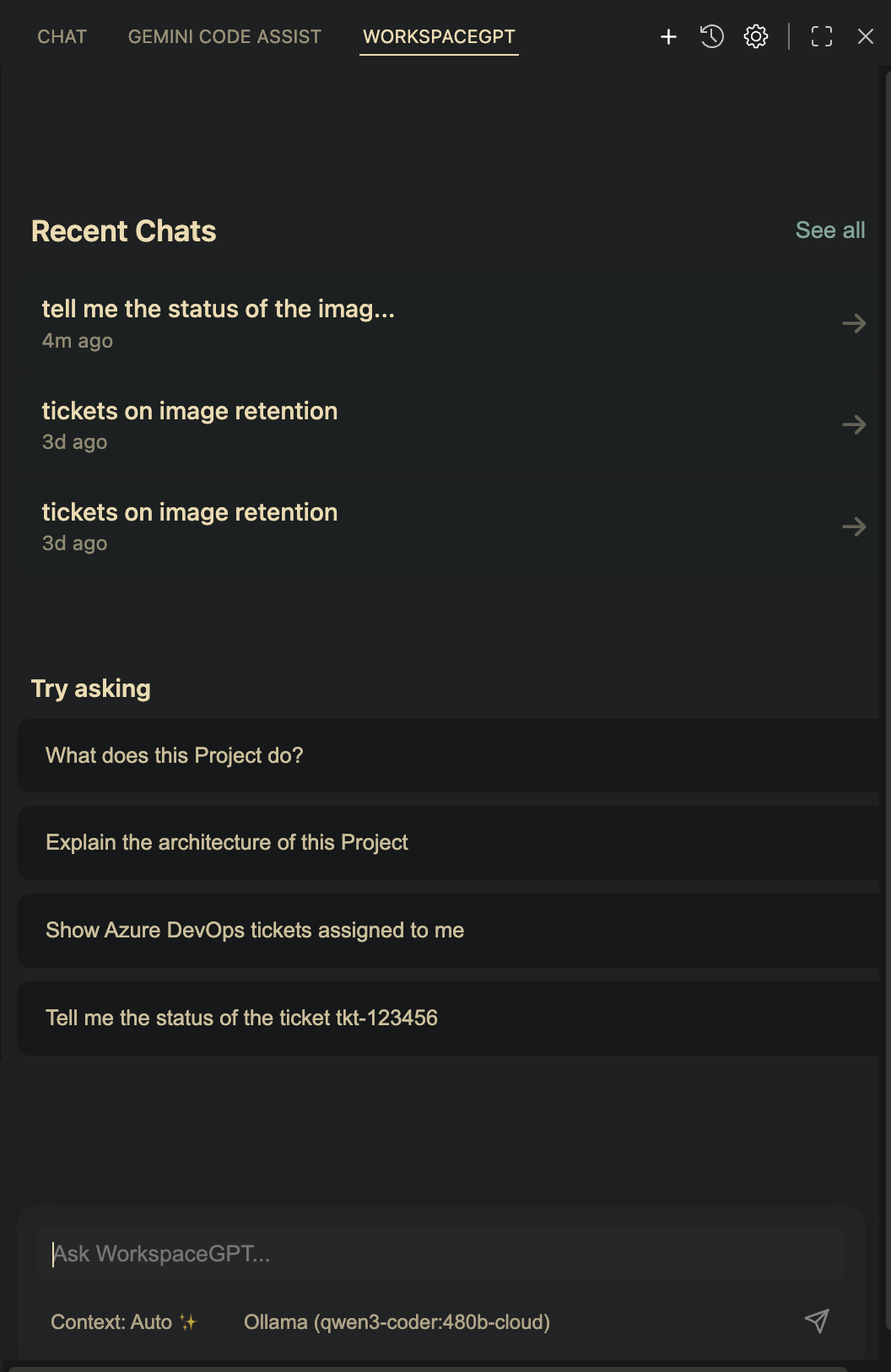
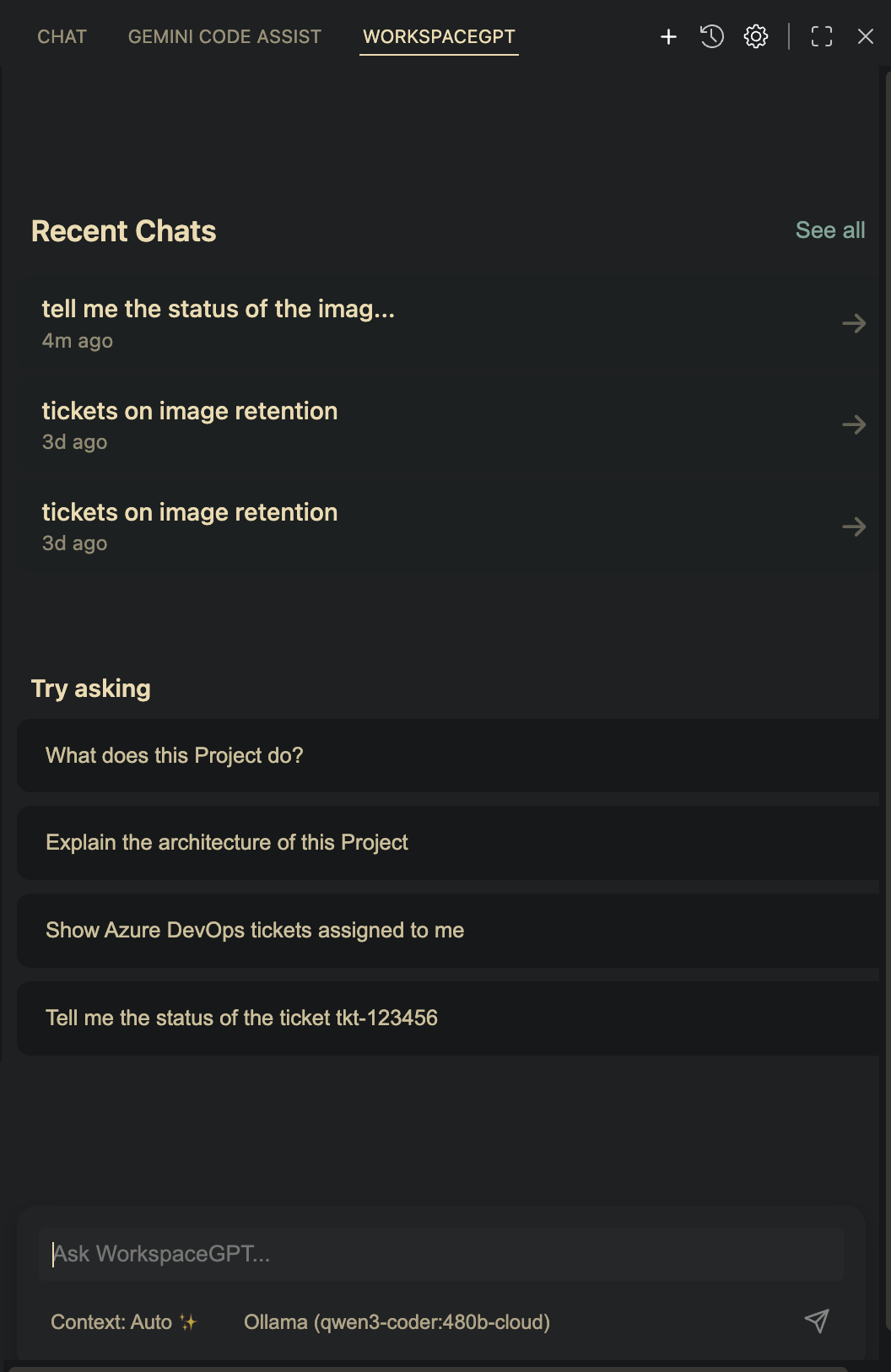
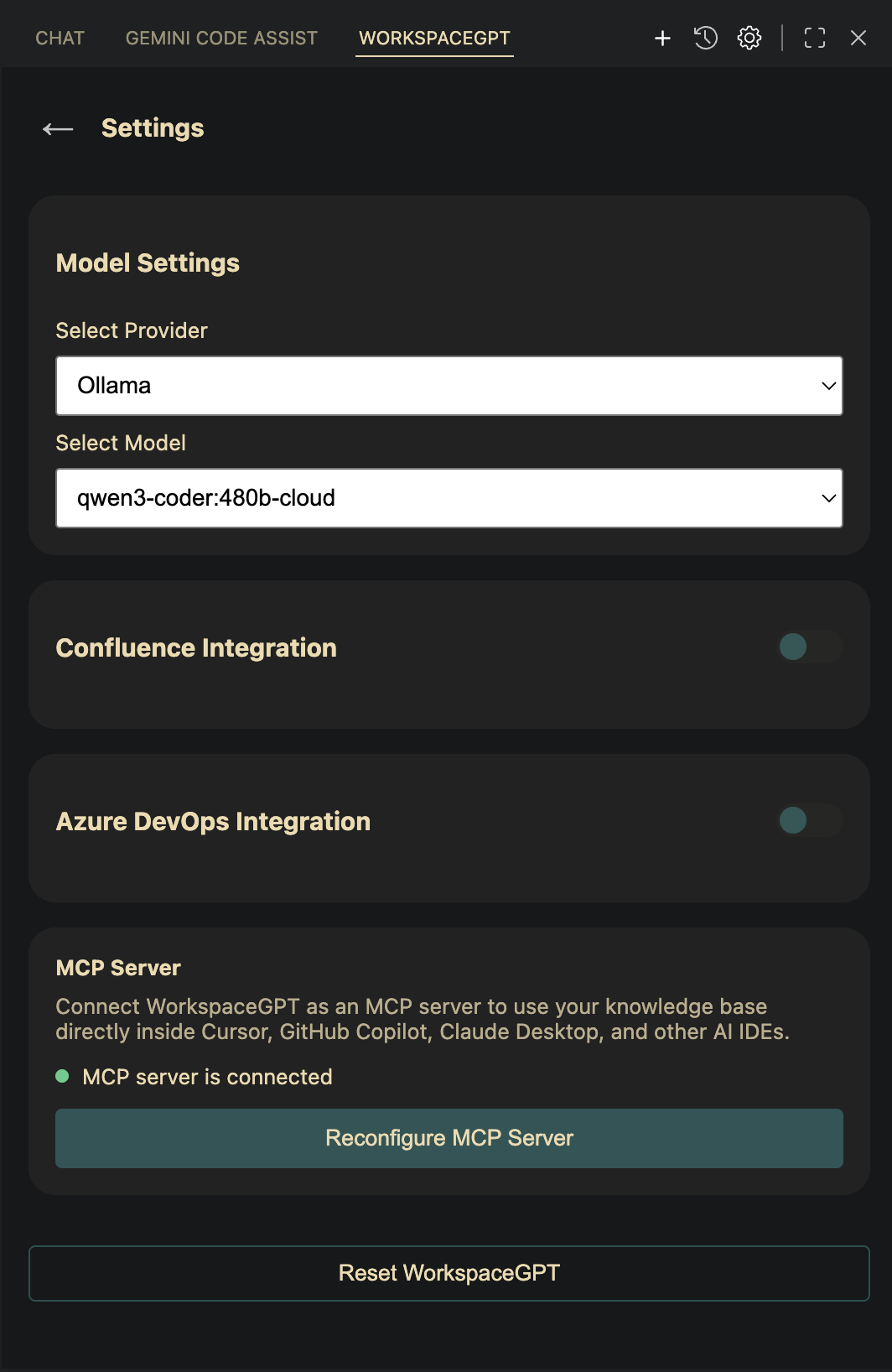
[](https://marketplace.visualstudio.com/items?itemName=Riteshkant.workspacegpt-extension)
[](https://open-vsx.org/extension/Riteshkant/workspacegpt-extension)
> 🖥️ **No editor?** **WorkspaceGPT Desktop** runs the same agent as an app for macOS (Apple Silicon and Intel, macOS 12+) and Windows (x64). macOS: `curl -fsSL https://github.com/ritesh-kant/workspaceGPT/releases/download/desktop-latest/install.sh | sh`. Windows (PowerShell): `irm https://github.com/ritesh-kant/workspaceGPT/releases/download/desktop-latest/install.ps1 | iex`. [More](https://workspacegpt.in/#install)
Visit our homepage: [workspacegpt.in](https://workspacegpt.in)
**WorkspaceGPT is the coding agent that knows your whole org.**
Other coding agents start from your repo and a prompt. The knowledge about *why* the code should change — the ticket, the design page, the release process — lives in Confluence, Jira and Azure DevOps, and you're expected to copy-paste it in. WorkspaceGPT reads it directly, mid-task.
It's a full agent: it searches and reads your code, edits files, runs your tests, and shows you every change for approval before it touches disk.
## 🧭 What makes it different
- **It knows your org, not just your repo.** Your Confluence docs and Jira and ADO tickets are first-class context the agent can pull mid-task — ask about a ticket and it can find the design doc *and* the code that implements it.
- **Privacy is architecture, not a promise.** Embeddings and the search index are always on your machine — in *both* modes. In **Local mode** the model runs there too, so none of your content leaves it, and no account is needed. Other tools offer a privacy *policy*; this is a privacy *mode*.
- **It participates in shipping.** Release config-sync and hotfix automation (plan → approve → apply) mean the work doesn't stop at "PR opened."
## 🔐 Two modes, your choice
The switch moves **one** thing: where answers are generated. Your embeddings and search index are always local, in both modes.
- **Local mode** — bring your own model: [Ollama](https://ollama.com/) (fully offline), or your own key for OpenAI, Claude, Gemini, Groq, OpenRouter, NVIDIA, Requesty or any OpenAI-compatible endpoint. No account.
- **Remote mode** — WorkspaceGPT's managed model. Sign in with GitHub; no model keys to supply. Your question and the snippets retrieved for it are sent to our inference endpoint; your documents and index stay on your machine.
Local mode never adds a network dependency.
## 🧠 Features
- 🧑💻 **Agentic coding**: The agent reads your code, makes multi-file edits, and runs commands to verify its own work
- ✅ **Review before it writes**: Every file change is shown as a diff you approve or reject; one-click revert restores any checkpoint
- 📄 **Your Confluence**: Connect your spaces with one-click Atlassian sign-in and the agent reads your team's design docs, runbooks and decisions mid-task — and cites them
- 🎫 **Your Jira**: The same one-click sign-in; issues are synced and searchable, and the agent reads the issue it's working on
- 🔷 **Your Azure DevOps**: Your assigned work items open under *Your work*; start a run straight from a ticket, grounded in its acceptance criteria and PR history
- 🔎 **Codebase understanding**: ripgrep search, symbol/definition/reference lookup, and repo orientation via your editor's language server
- 💬 **@-mentions**: Pull specific files and folders into the conversation
- 🚀 **Release automation**: Config-sync and hotfix pipelines with a terraform-style plan → approve → apply flow
- 🔌 **MCP server**: Exposes your Confluence, Jira, ADO and workspace search to Claude Desktop, Claude Code, Cursor and Copilot
- 🛡️ **Runs offline**: In Local mode, no remote APIs and no data leakage
## 🚀 Getting Started
### Prerequisites
No specific prerequisites required. Pick **Remote mode** (sign in with GitHub, no model setup) or bring your own model in **Local mode**:
1. **Ollama** - For 100% local operation
2. **OpenAI**, **Claude**, **Gemini**, **Groq**, **NVIDIA** - With your own API key
3. **OpenRouter**, **Requesty** - One key for many models
4. **Custom** - Any OpenAI-compatible endpoint (self-hosted, proxy or gateway)
### 🧠 Default Model
By default, WorkspaceGPT uses a lightweight model: `llama3.2:1b` when using Ollama. If you're looking for more accurate and context-rich responses, you can switch to a more capable model that fits your system — such as `llama3.2:4b`, `gemma3:4b`, or `mistral`, or choose one of our cloud provider options.
### Installation
1. Open Visual Studio Code
2. Navigate to the Extensions view (`Ctrl+Shift+X` or `Cmd+Shift+X` on macOS)
3. Search for **"WorkspaceGPT"**
4. Click **Install**
## 🛠 Setup Guide
1. Open the **WorkspaceGPT** sidebar in VSCode
2. Select your preferred AI provider from the settings menu
3. Configure your selected provider (API keys for cloud providers or connection settings for Ollama)
4. **Confluence**: Go to `Settings > Knowledge > Confluence`, click **Connect to Confluence** to sign in with Atlassian, pick a space and sync.
5. **Jira**: Go to `Settings > Knowledge > Jira`, click **Connect to Jira**, pick a project and sync.
6. **Azure DevOps (ADO)**: Go to `Settings > Knowledge > Azure DevOps`, enter your organization and a Personal Access Token, and sync.
### 🔁 Reset WorkspaceGPT
If you ever need to reset WorkspaceGPT to its default state, simply go to:
`Settings > Reset VSCode State`
## 🧑💻 Running the project locally
If you have source access, you can run the project locally:
```bash
pnpm install
pnpm run dev
```
### Development Commands
- `pnpm run dev` - Start development mode
- `pnpm run watch` - Watch for file changes and rebuild
- `pnpm run lint` - Run ESLint
- `pnpm run test` - Run test suite
## 📦 Publishing
The extension is distributed through two registries:
- **VS Code Marketplace** (`vsce`) — used by Microsoft VS Code.
- **Open VSX** (`ovsx`) — used by VS Code forks such as **Antigravity**, Cursor, Windsurf, and VSCodium. The Microsoft Marketplace cannot be used by these forks, so the extension must be on Open VSX to be discoverable there.
### Per-target packages
`onnxruntime-node` (a dependency of the embedding model) ships a separate native binary for every OS/arch. A single universal `.vsix` has to bundle all of them, which produces a 200+ MB package — slow enough to upload that `vsce publish`/`ovsx publish` can appear to hang with no progress output. `pnpm run vscode:publish-all` instead builds and publishes **one `.vsix` per target** (`win32-x64`, `win32-arm64`, `linux-x64`, `linux-arm64`, `darwin-x64`, `darwin-arm64`), each carrying only its own binary. The Marketplace and Open VSX both serve the correct one to each user automatically.
Vendored `onnxruntime-web`/`transformers.js` `.wasm` and `.map` files are stripped from every package regardless of target — the extension only ever runs the Node (`onnxruntime-node`) backend, so that wasm path never executes (see `esbuild.config.js`'s `createDependencyFilter`).
Commands:
- `pnpm run vscode:package` — build and package a single **universal** `.vsix` locally (all platforms bundled). Used for manual install / local testing, not for publishing.
- `pnpm run vscode:package-targets` — build and package all per-target `.vsix` files locally without publishing (useful for checking sizes before a real release).
- `pnpm run vscode:publish-all` — build, package, and publish a `.vsix` per target to **both** registries, then tag the release.
- `pnpm run vscode:publish-pre-release-all` — same, marked as a pre-release.
Both `-all` scripts (`scripts/publish-targets.mjs`) are safe to re-run after a partial failure (e.g. a registry outage mid-way through the target list) — publish calls pass `--skip-duplicate`, so already-published targets are skipped rather than rejected, and the tag is only created once every target succeeds.
Setup for Open VSX (one-time): create a publisher namespace matching `Riteshkant` at [open-vsx.org](https://open-vsx.org), generate an access token, and export it before publishing:
```bash
export OVSX_TOKEN=
pnpm run vscode:publish-all
```
> Manual install (any fork): `pnpm run vscode:package`, then use the IDE's **Install from VSIX** action.
## 🧩 Chrome companion
> A browser side panel for your Confluence & Azure DevOps questions. **Pairing is paused for new setups:** the panel reads your search index directly, and that index now lives only on your machine, so there is nothing for another browser to connect to. Existing installs are unaffected. The [Chrome listing](https://chromewebstore.google.com/detail/workspacegpt/gagogpeepmgaljpabdlpbcknjnbcaole) stays up while a hosted index is in progress.
## 📄 License
This software is proprietary. See the [LICENSE.md](https://github.com/ritesh-kant/workspaceGPT/blob/HEAD/LICENSE.md) file for more details.
## 💬 Support
Have questions or issues?
1. Check the [documentation](https://workspacegpt.in/docs)
2. Open an issue on GitHub
3. Email us at contact@workspacegpt.in
4. Reach out to the maintainers
## 🙏 Acknowledgments
- Big thanks to the VSCode team for a powerful extension API
- And to all the contributors who help shape WorkspaceGPT
---
**WorkspaceGPT** – Talk to your code and your Confluence docs. Locally, privately, and intelligently.